
How Omegle-Style Webcam Chat Works
Press one button and you’re face to face with a stranger in seconds — but what actually happens in between? Here’s the whole process, start to finish.
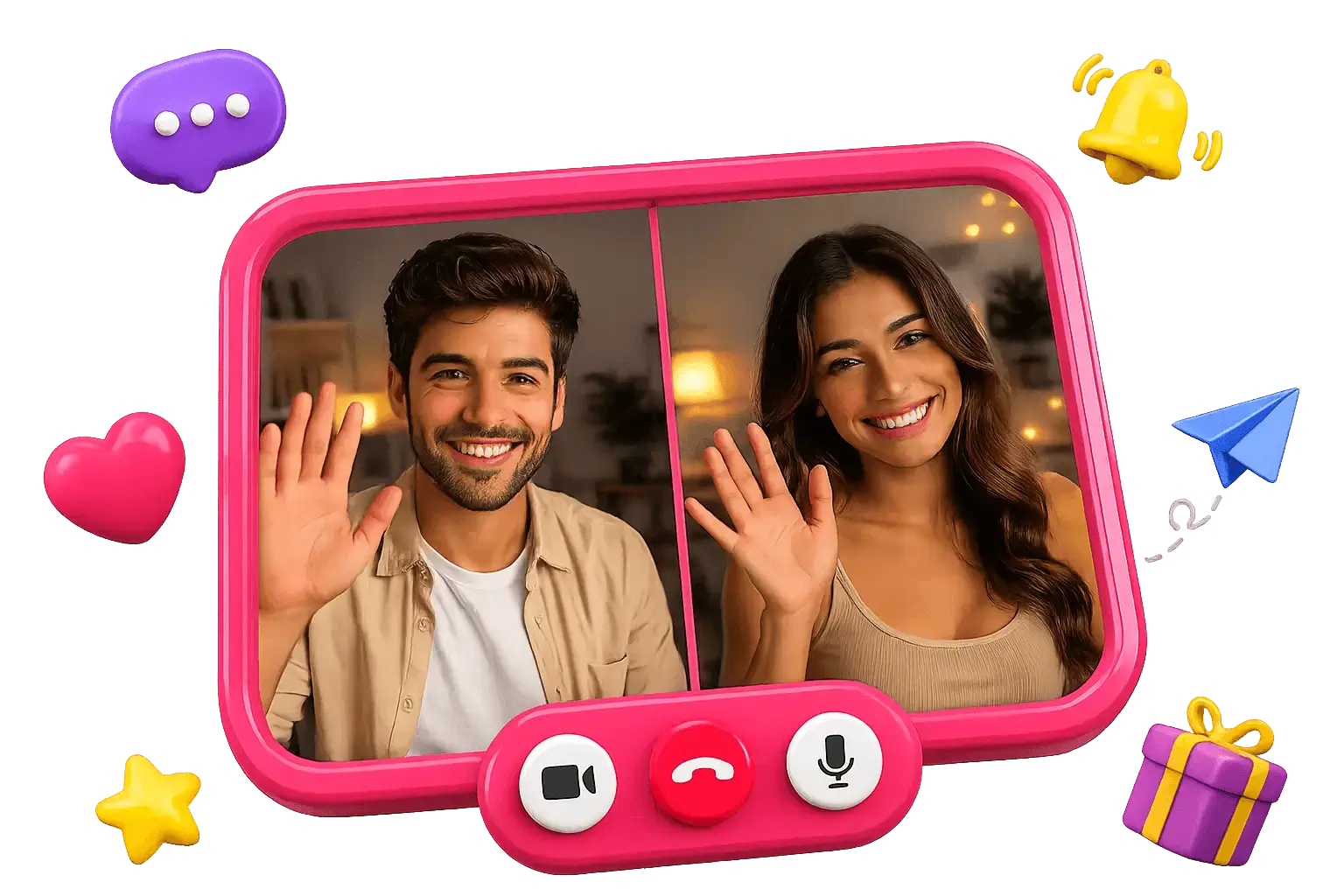
The short version
At its core, Omegle-style webcam chat does one thing very well: it takes everyone who is online and wants to talk, and pairs two of them together at random for a live video conversation. There’s no profile-building, no browsing, no waiting room. You can see the whole thing for yourself on our Omegle webcam chat home page — but here’s what’s happening under the hood.
Step by step
- 1
You press Start
The site asks your browser for camera and microphone permission. Nothing turns on until you allow it, and you can revoke access anytime.
- 2
The system finds a match
You’re dropped into a pool of other people who are online right now and looking to chat. The matching is random — you don’t pick, and neither do they.
- 3
The video connects
Within a second or two you and a stranger can see and hear each other. The connection runs peer-to-peer where possible, so the video feels live.
- 4
You talk, or tap Next
Stay as long as the conversation is good. When you want someone new, one tap on Next drops the current chat and starts the search again.
Why it feels instant
Two design choices make webcam chat feel effortless. First, there’s no account step — you join as a guest, so nothing stands between you and your first match. That anonymity is the whole point; our anonymous webcam chat page goes deeper on how it works. Second, the matching pool is always live, so the moment you allow your camera there’s already someone waiting to be paired with you.
The one habit that keeps the experience good is Next. Because a fresh match is only ever one tap away, there’s no pressure to stay in a conversation that isn’t working — for either person. That single button is what turned the format into a global habit.
Phone or computer — does it matter?
The process is identical on either one, because everything runs in the browser rather than a dedicated app. On a computer you tend to get a larger view and it’s easier to type if you switch to text; on a phone you get to move around and chat from anywhere. Neither is “better” — a good share of webcam chat now happens on mobile, and the matching, the video and the Next button all behave exactly the same way. If you ever want to switch it up, our Omegle video chat page covers going face to face on video, voice or text.
The one thing worth doing on any device is sorting out your camera angle and lighting before you start — it’s the difference between a clear first impression and getting skipped. Our webcam chat tips cover the quick wins.
How it works — FAQ
- How does the random matching work?
- The site keeps a live pool of people who are online and waiting. When you press Start, it pairs you with another available person at random and connects your two video streams. Tapping Next returns you both to the pool.
- Can I choose who I’m matched with?
- No — the pairing is random, and that’s the whole point. You don’t pick and neither does the other person, so every match is a genuine surprise. Your only “filter” is Next: tap it until you land on someone you click with.
- Do I need special hardware?
- No — any device with a camera and a modern browser works: laptop, desktop, phone or tablet. There’s nothing to install.
- Is the video recorded?
- On OmegleWebcam the live video is not stored — it exists only while you’re connected. Always keep personal details private anyway, as you would with any stranger.
- How long does a webcam chat last?
- As long as both people want it to. There’s no timer — a chat ends the moment either person taps Next or closes the tab. Some last seconds, some go on for ages; that’s up to you and the other person.
Keep reading
See it for yourself
The fastest way to understand webcam chat is to try it — start a webcam chat and you’ll be matched in seconds.