
Webcam Chat Tips for Better Conversations
Webcam chat rewards a few small habits. Get these right and strangers stay longer, conversations flow, and you get skipped a lot less.
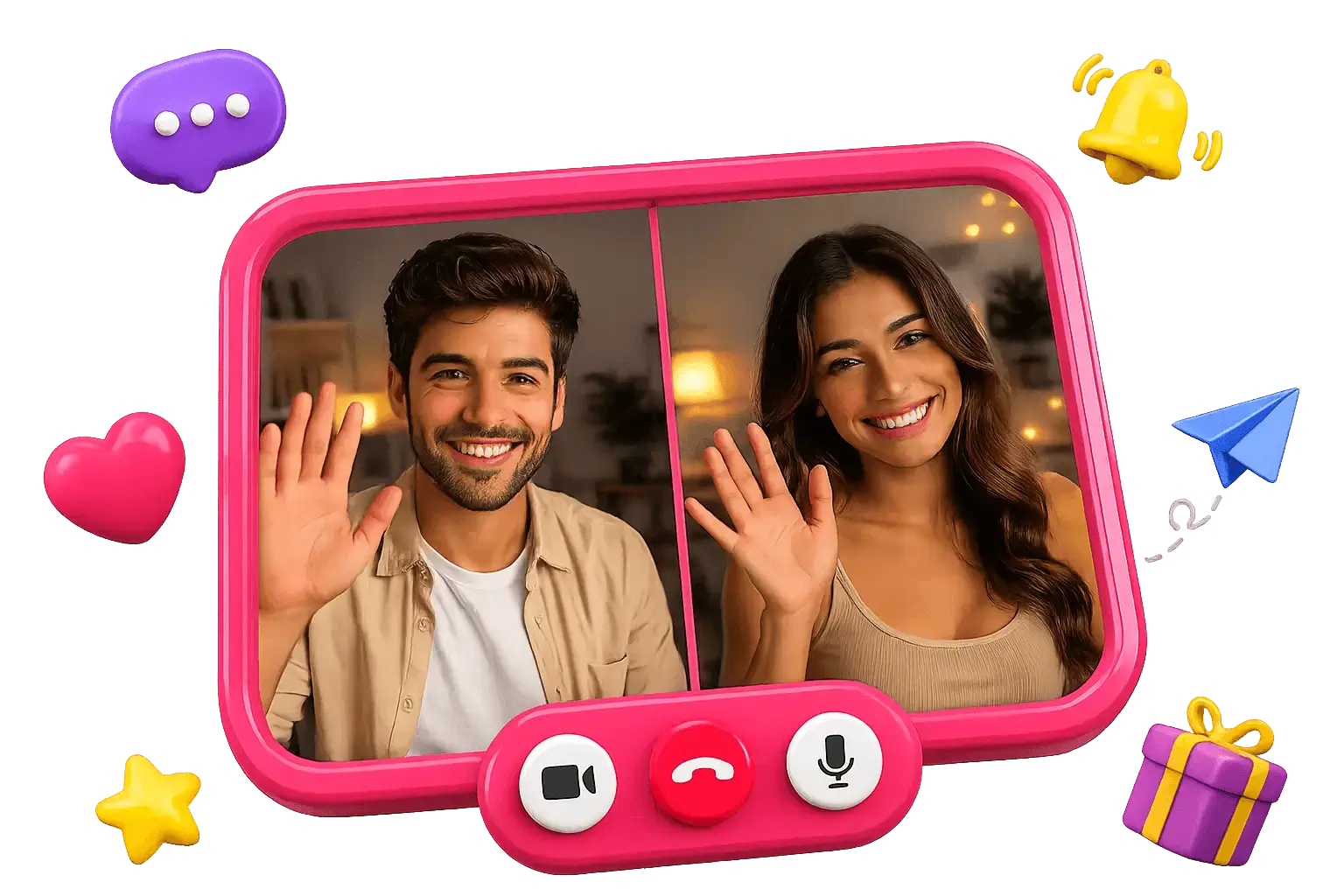
Six tips that make the difference
None of this is complicated — most of it is about looking approachable and being easy to talk to. Try them on your next few matches on Omegle webcam chat and you’ll feel the change fast.
Light your face, not your back
Sit facing a window or lamp. A bright light behind you turns you into a silhouette — the fastest way to get skipped.
Fix your audio first
Clear sound matters more than a perfect picture. Cut background noise and speak up; if they can’t hear you, the chat ends in seconds.
Open with a real question
“Hey, where are you tuning in from?” beats a silent stare or a flat “hi.” A small, genuine question gives the other person something to answer.
Smile and show you’re listening
Nod, react, ask a follow-up. On webcam, body language does half the talking — looking engaged keeps people around.
Read the room, then Next kindly
If it’s not clicking for either of you, moving on is normal and fine. No need to be rude — just tap Next and start fresh.
Keep it respectful
Treat every stranger the way you’d want to be treated. Friendly, curious and polite gets far better conversations than shock value.
The mindset that ties it together
The best webcam chatters treat every match as a tiny, low-stakes meeting: be curious, be kind, and don’t take a skip personally. Because a new face is always one tap away, there’s no pressure — which, ironically, is exactly what makes conversations relax and get good. If you enjoy the pure randomness of it, our random webcam chat page is a good next stop.
Easy conversation starters
Stuck on the first line? Keep a few simple, open-ended openers ready — they give the other person something easy to answer and get things moving:
- “Where are you joining from?”
- “What’s something fun you did today?”
- “What’s the weather like where you are?”
- “Seen anything good lately — a show, a film, a song?”
The trick isn’t the line itself — it’s asking something specific and then actually listening. One good question usually unlocks the next.
Common mistakes that get you skipped
If you’re getting skipped a lot, it’s usually one of a handful of fixable things — not you. Watch out for these:
- Sitting in the dark. If they can’t see your face clearly in the first second, they move on.
- Saying nothing. A silent stare reads as awkward or bot-like — open your mouth first.
- Trying too hard to shock. Edgy openers get skipped far more than a friendly hello.
- Making it one-sided. Fire questions and actually listen; a monologue empties the other seat fast.
Fix the lighting and the opener and you’ll already be ahead of most people you meet. Everything else is practice — and there’s no shortage of matches to practise on.
Tips — FAQ
- How do I get better webcam chat conversations?
- Good lighting and clear audio get you past the first two seconds; a warm opener and genuine curiosity carry the rest. Being friendly and a good listener matters more than anything technical.
- Is it rude to skip someone?
- No. Tapping Next is a normal, expected part of webcam chat — both people know a fresh match is one tap away. Just skip politely rather than mid-sentence when you can.
- What should I talk about?
- Start simple and specific: where they’re from, what they’re up to, something you can see in their background. Genuine curiosity beats a clever line every time — ask, listen, and follow the thread wherever it goes.
- Do I need a good camera or setup?
- Not really. Lighting matters far more than the camera itself — a phone camera facing a window looks better than an expensive webcam in a dark room. Sort out your light and your audio first; the gear barely matters after that.
- Where can I try these tips?
- Jump into a chat on OmegleWebcam and put them to work — you’ll notice the difference within a few matches.
Keep reading
Put them into practice
The tips only work once you’re on cam — jump into a webcam chat and try them on your next match.